
Travweather
Description
A weather-based itinerary planner which enables you to make the best out of your trip based on the current weather conditions.
Team
Challenge
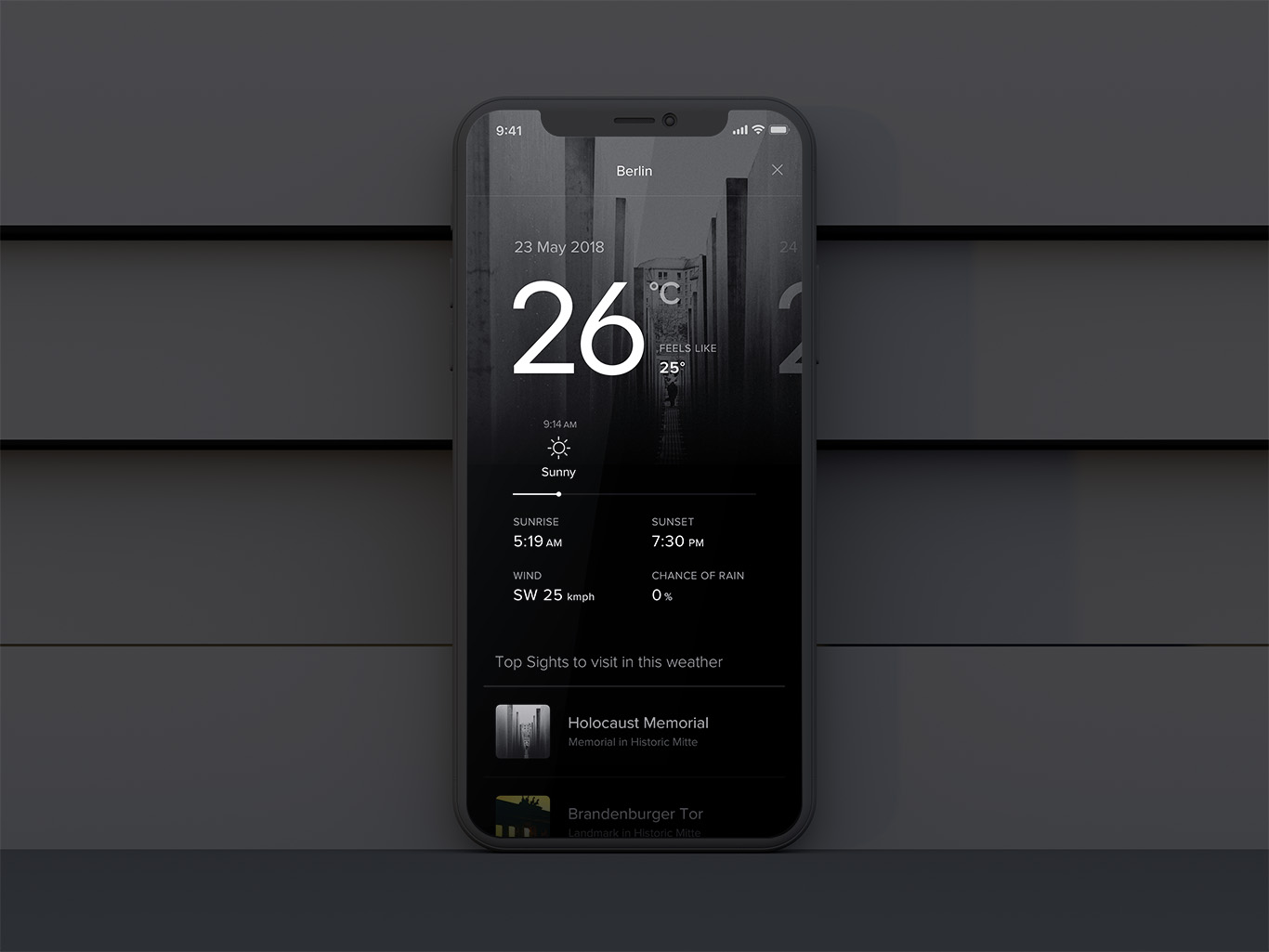
To design and prototype at high fidelity and deliver believable visual and interaction design solution for a weather app. The experience should look and feel as intended in production and should have nuanced, screen-based interactions that ensure a great experience for people.
Outcome
A weather-based itinerary planner that allows people to plan their trips and get the most of their visit to a city based on local weather conditions.
Tools Used
For this project, I used Sketch to first make a Visual Design for the app and then I used Origami studio to bring that design to life. Origami studio helped me deliver my vision by allowing me to showcase micro-interactions and intended features better.
Typography
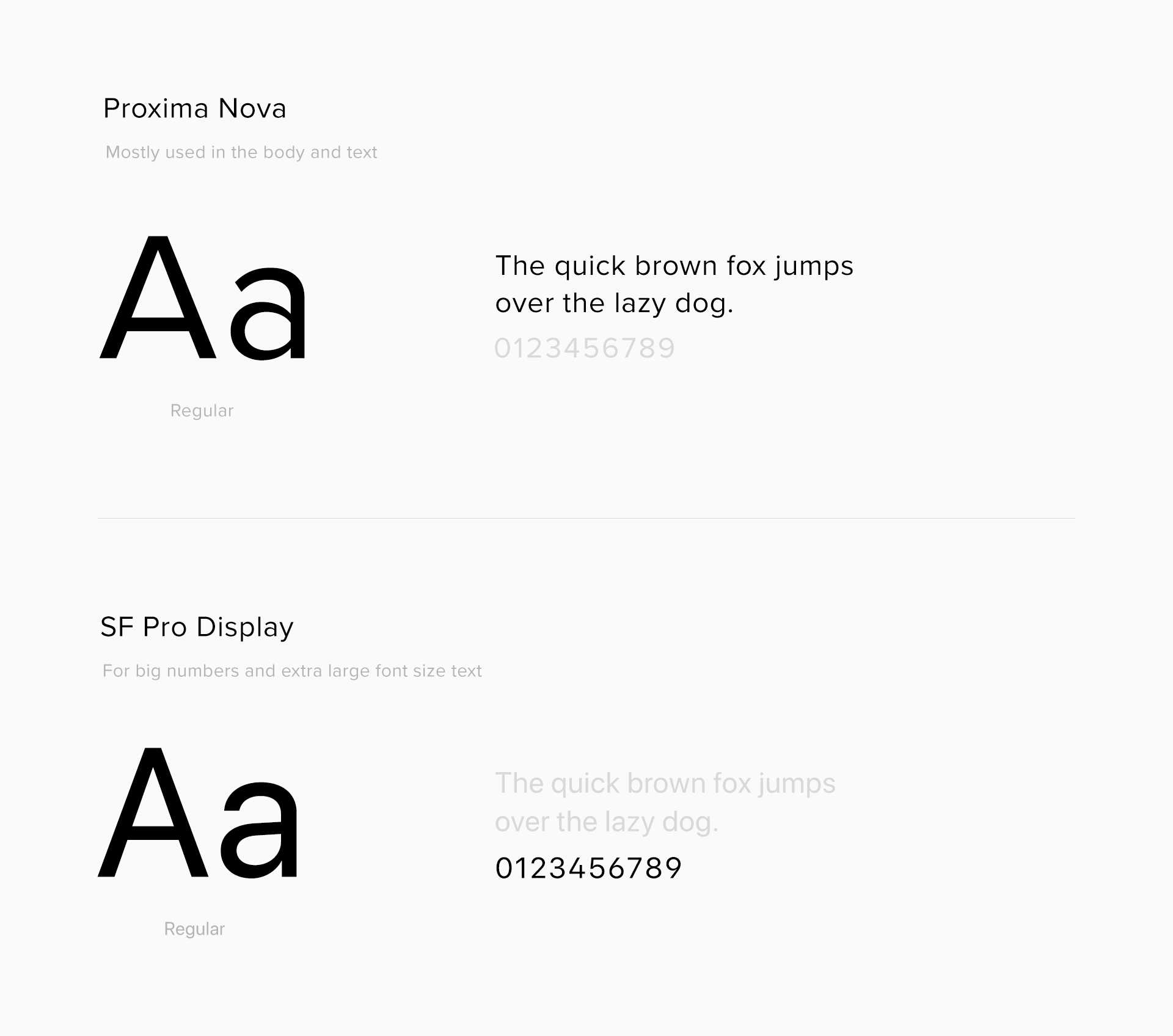
The app was designed mostly using Proxima Nova as the primary font. SF Pro Display was used as a secondary font as it looks better for big type sizes.
Contrast and Hierarchy
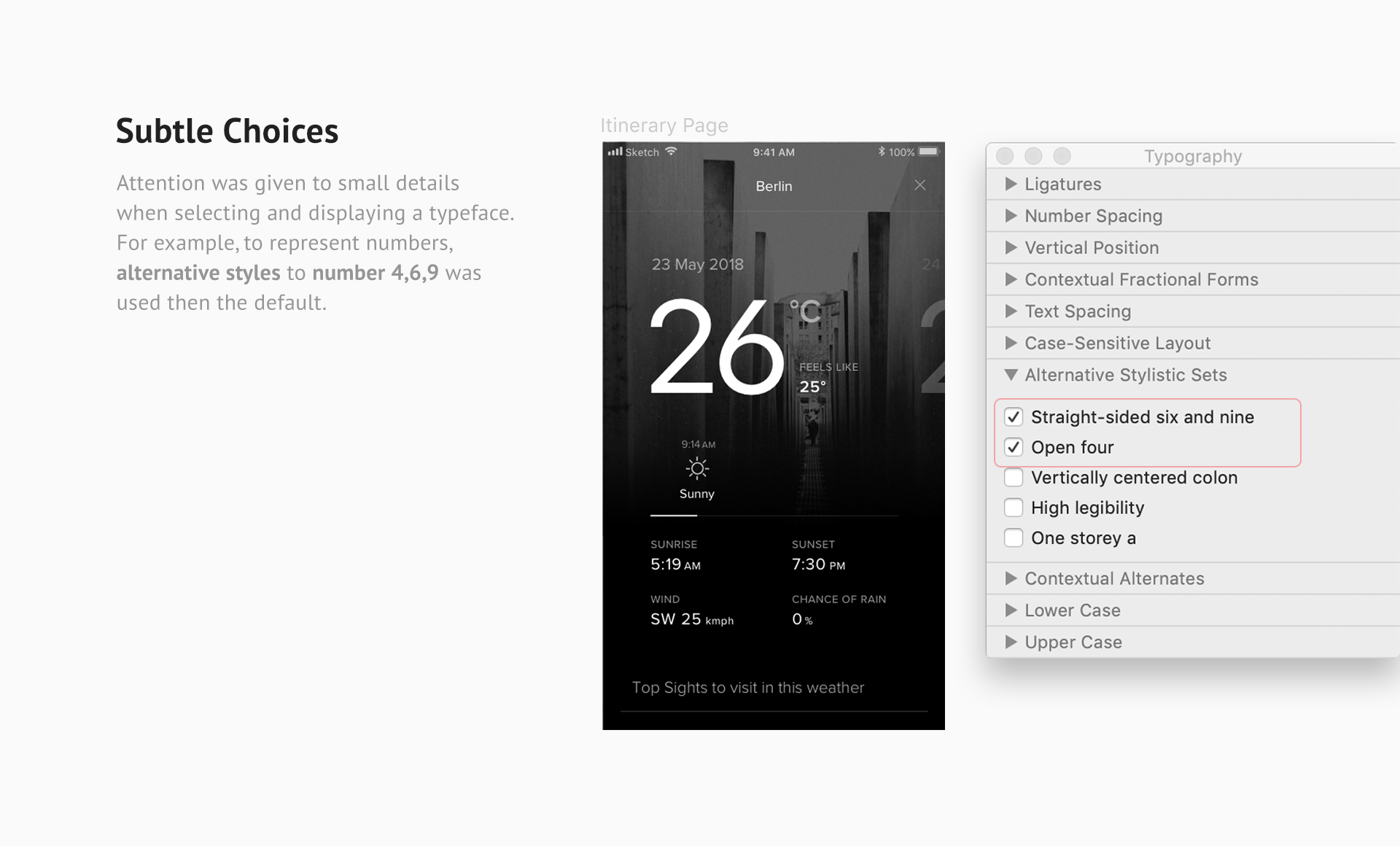
While designing the screens for the app, I gave a lot of time thinking about how to place the element and why to place it there. As a result, the final design had a clear visual hierarchy. This helps to navigate the viewer's eye as I expected them to.
Design Explorations
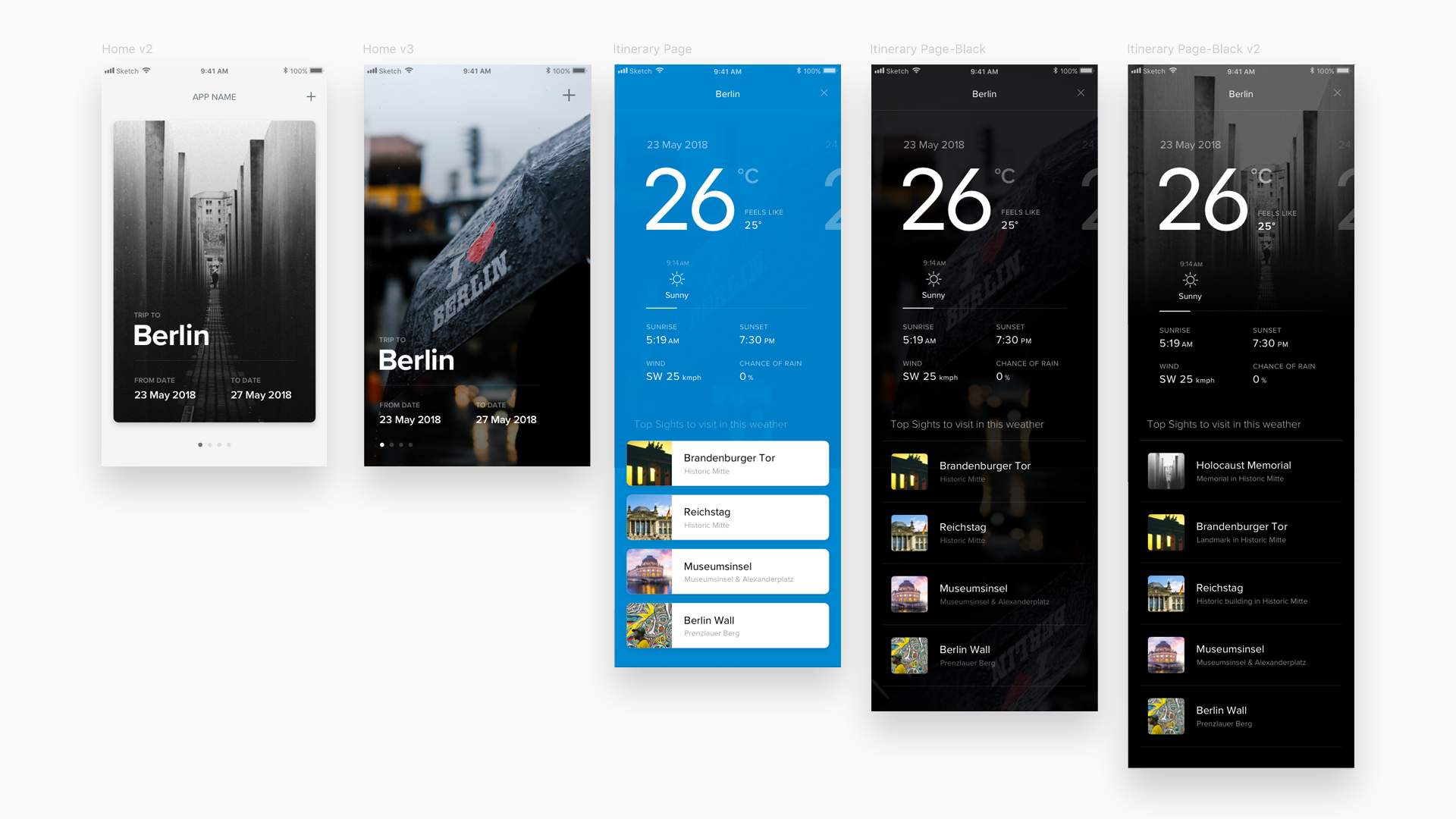
I spent some time changing and modifying the visual layout, and I have attached one of the screenshot showcasing a few examples.
Bringing Design to life
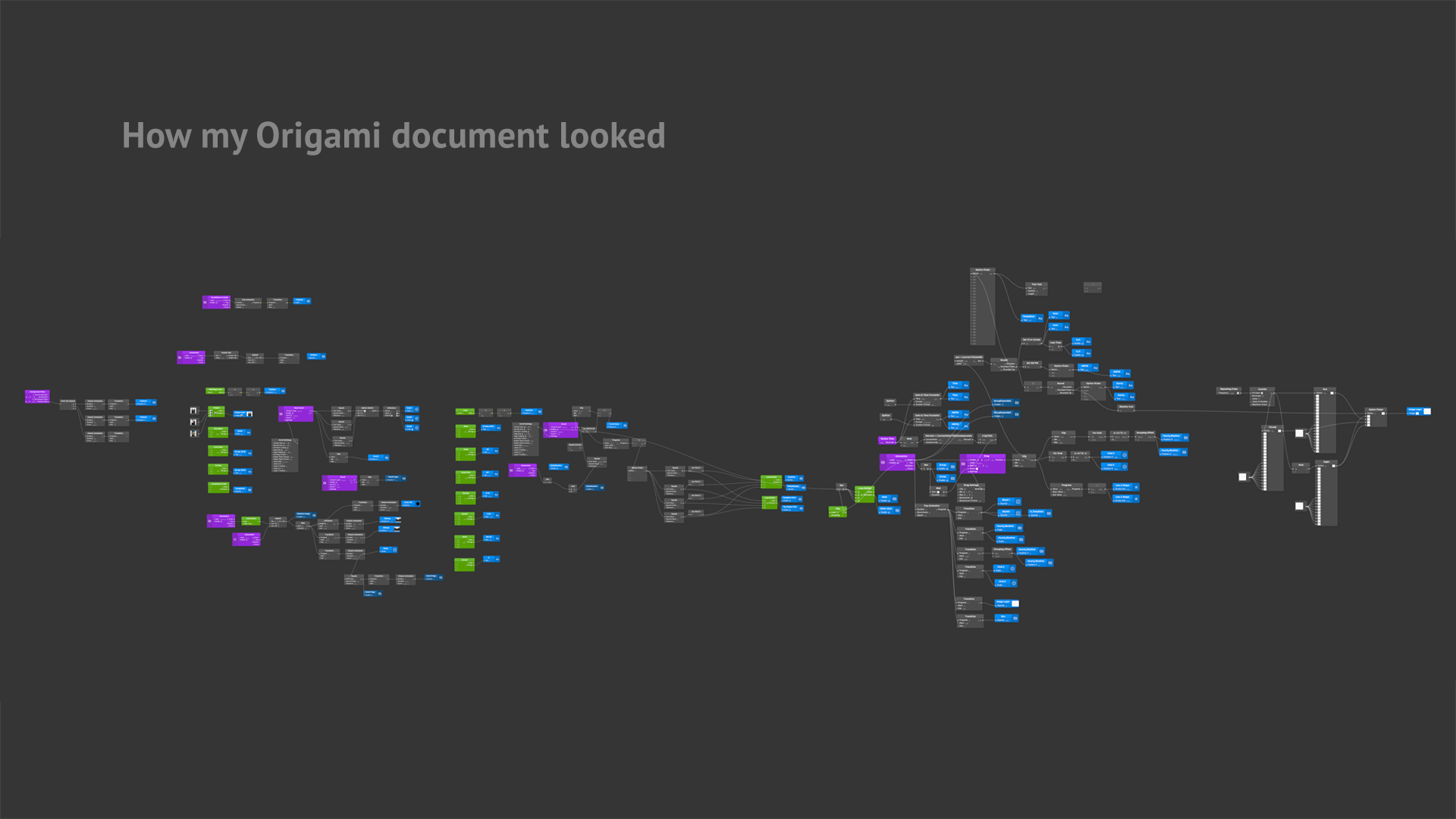
Here the Origami studio from Facebook helped a lot. The sketch app does provide prototyping options but, it is very low fidelity and an only click-through prototype.
On the other hand, the Origami Studio provides tools to make a very high fidelity prototype. The drawback is that the file can get heavy if you include more screens in the prototype.
// Social & External Links