
The Shift
Description
A trainable memory assistant that prepares people who are losing their vision gradually to sense the world as they see it now
Team
Raunaq Patel
Advisor
Challenge
People who lose their sight later in their life because of some disease or accident, have to undergo a transition into their new life of relying on their other sense more to cope up with the loss of vision.
Outcome
A digital diary, that captures the moment in an elaborative way and triggers back them in future when similar conditions exists - such as time of day, place, weather conditions.
What is the Shift?
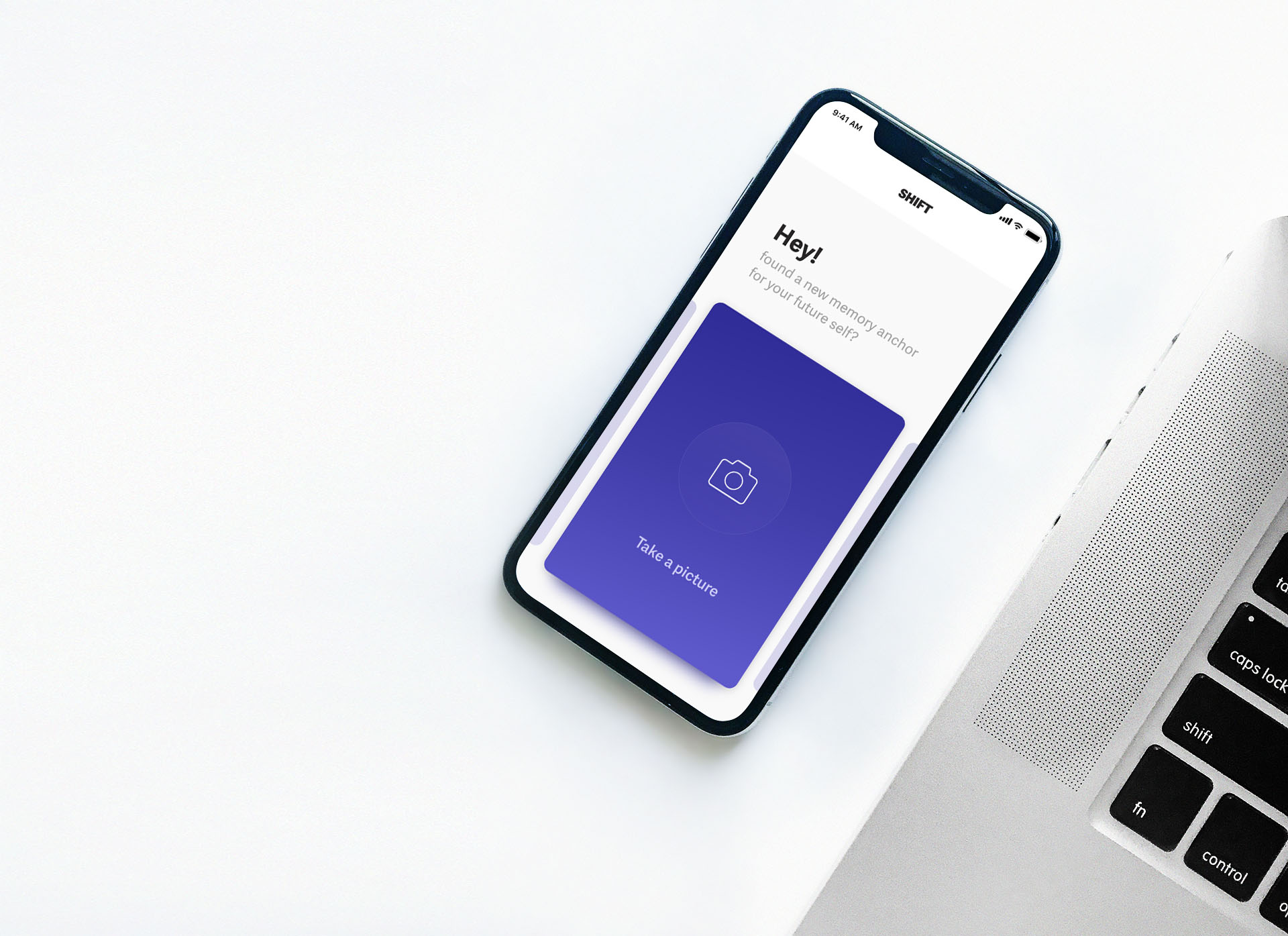
The shift is a trainable memory assistant which supports people who are experiencing a gradual loss of sight and allows them to capture impressions of daily life, a diary of perceptions, which can be stored and recalled in the future when similar conditions exist - such as time of day, place, weather conditions.
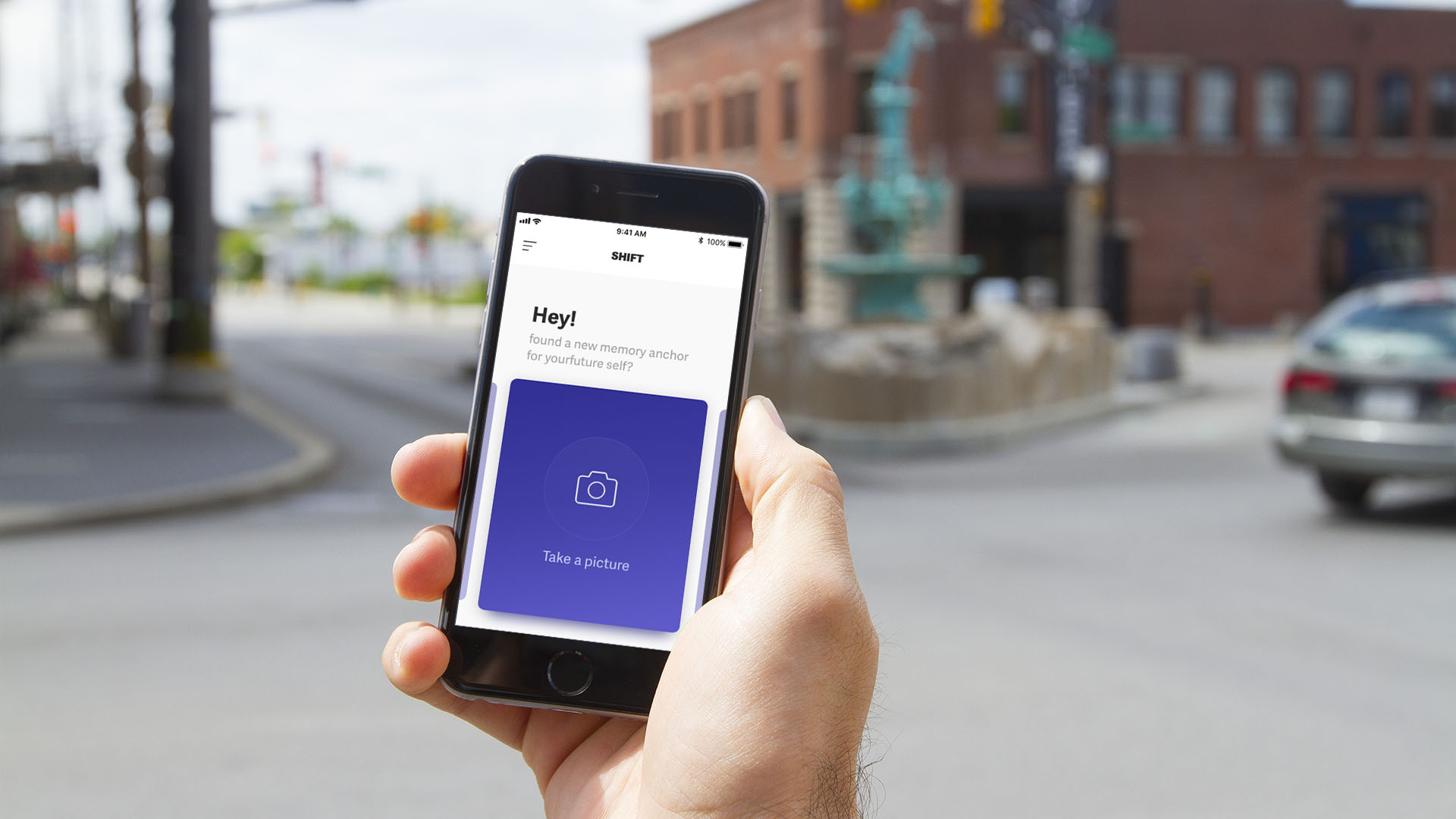
The user starts to capture impressions of his daily life on his phone using the shift app. The shift app then asks him provocative questions regarding that impression so that he can describe that moment more elaborately. As time passes, the app generates a library of such moments. These impressions are recalled back when a similar condition exists and will be played back through the phone.
Who is it for?
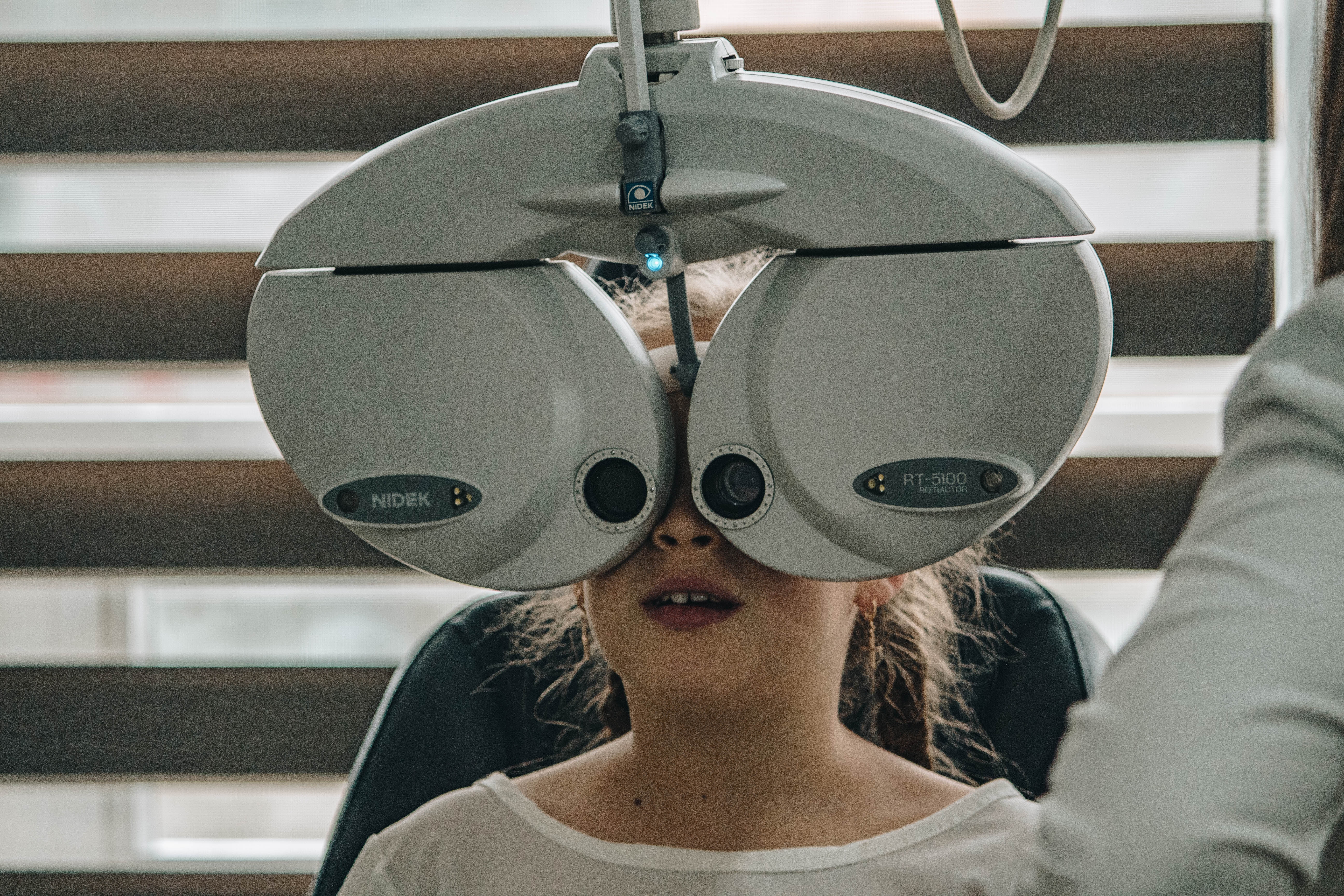
The shift is an app designed for people who are gradually losing their vision because of some disease. These diseases can span from few months to few years to few decades for the vision loss.
Research Findings
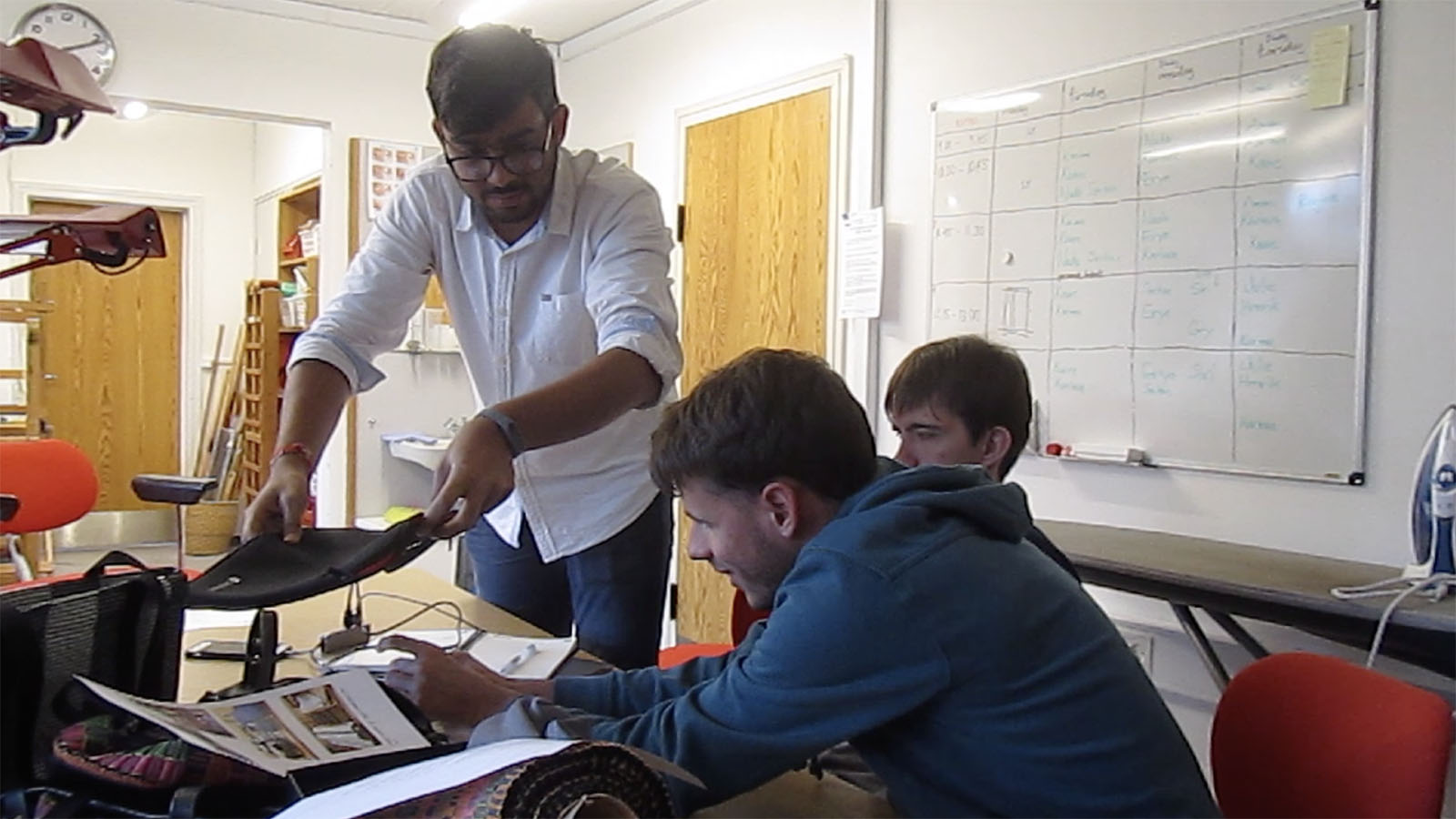
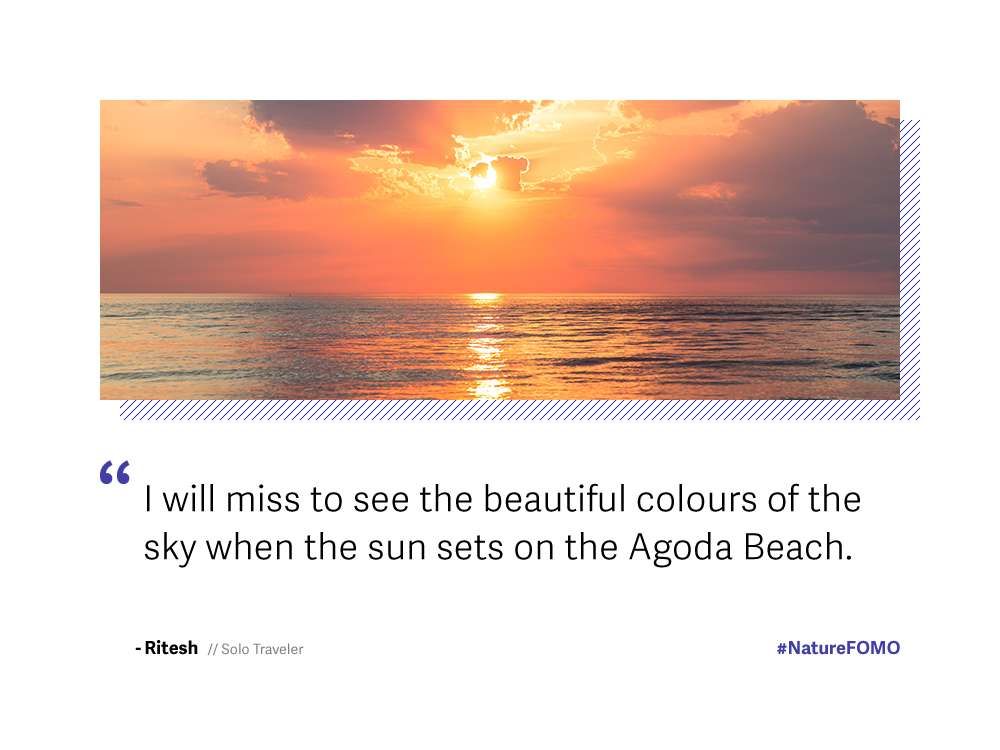
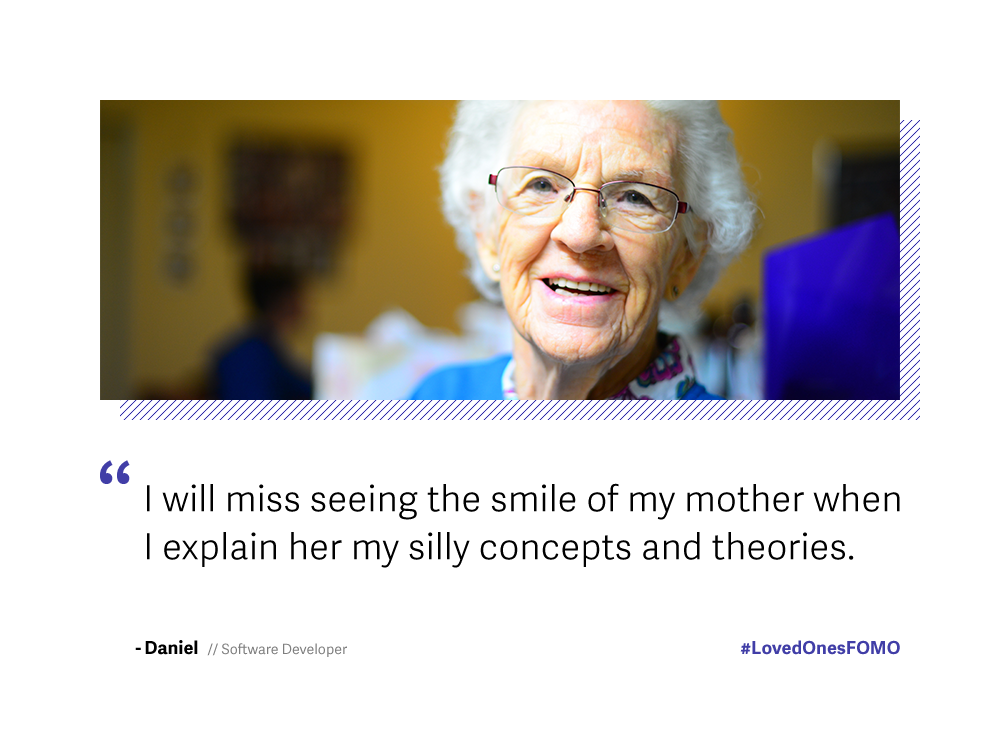
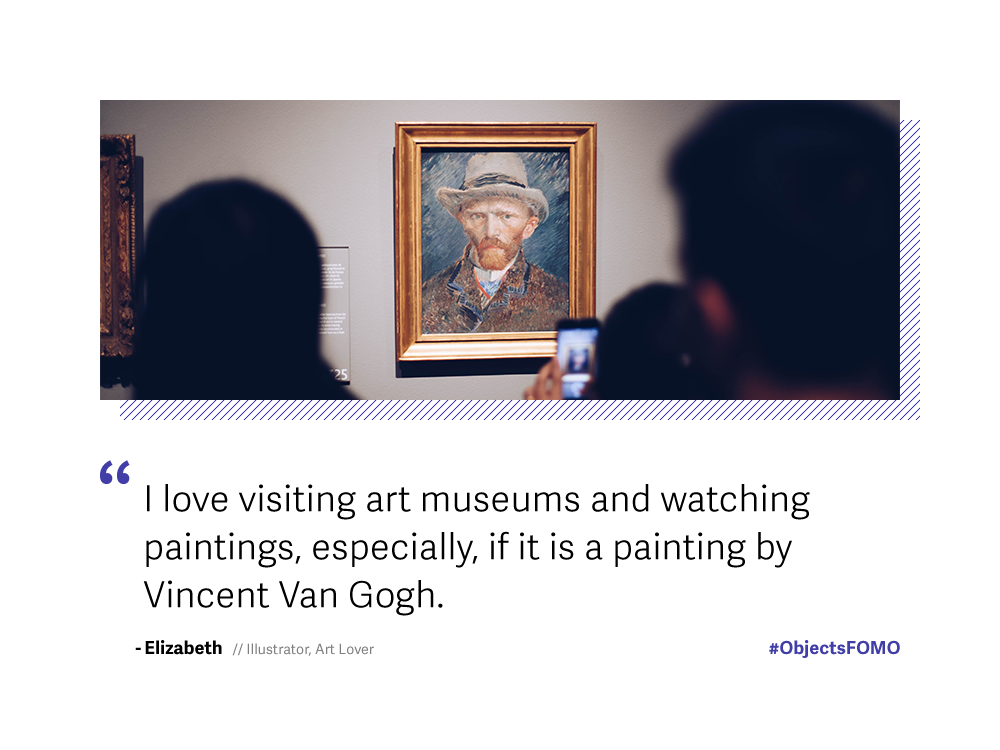
Through several interviews and desk research, I found a pattern that when patients are told that they are suffering from a chronic disease in which they will lose their vision, they go into panic mode and in a complete state of denial that this is happening to them. Then, once they adapt to this information, they start to think of all the things that they will miss out in their life because of this new change. They begin to have this fear of missing out of moments or FOMO
Fear of Missing Out
Everyone has personal moments which they cherish a lot. Nowadays, with the fast lifestyle, people are continually provided new information. As a result, FOMO has grown significantly now from what it was a decade ago. We cannot imagine how much the person will feel FOMO when they hear that they are losing their vision.


Solution Ideation
I thought as a designer, I cannot do much to give them their sight
back, but what I can do is to capture these moments for them. At
first, I thought of making a device that allows you to capture
images and is loaded with sensors to get the whole sensory
experience for that moment around that person. But then I thought,
such a device exists, a phone, it has all the sensors that I need,
and is connected with the internet which will give me a lot of
information like weather, location, time and many more.
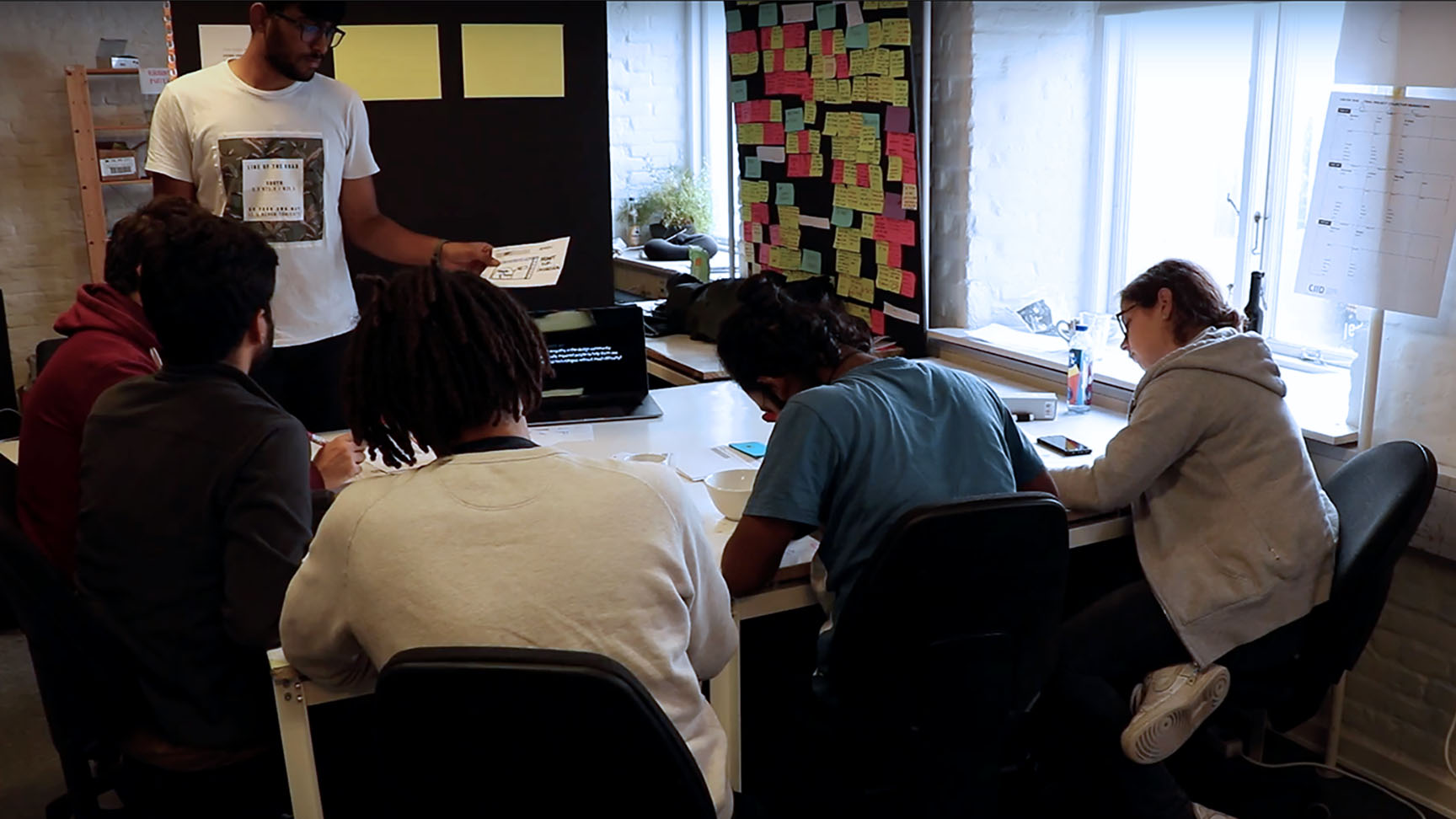
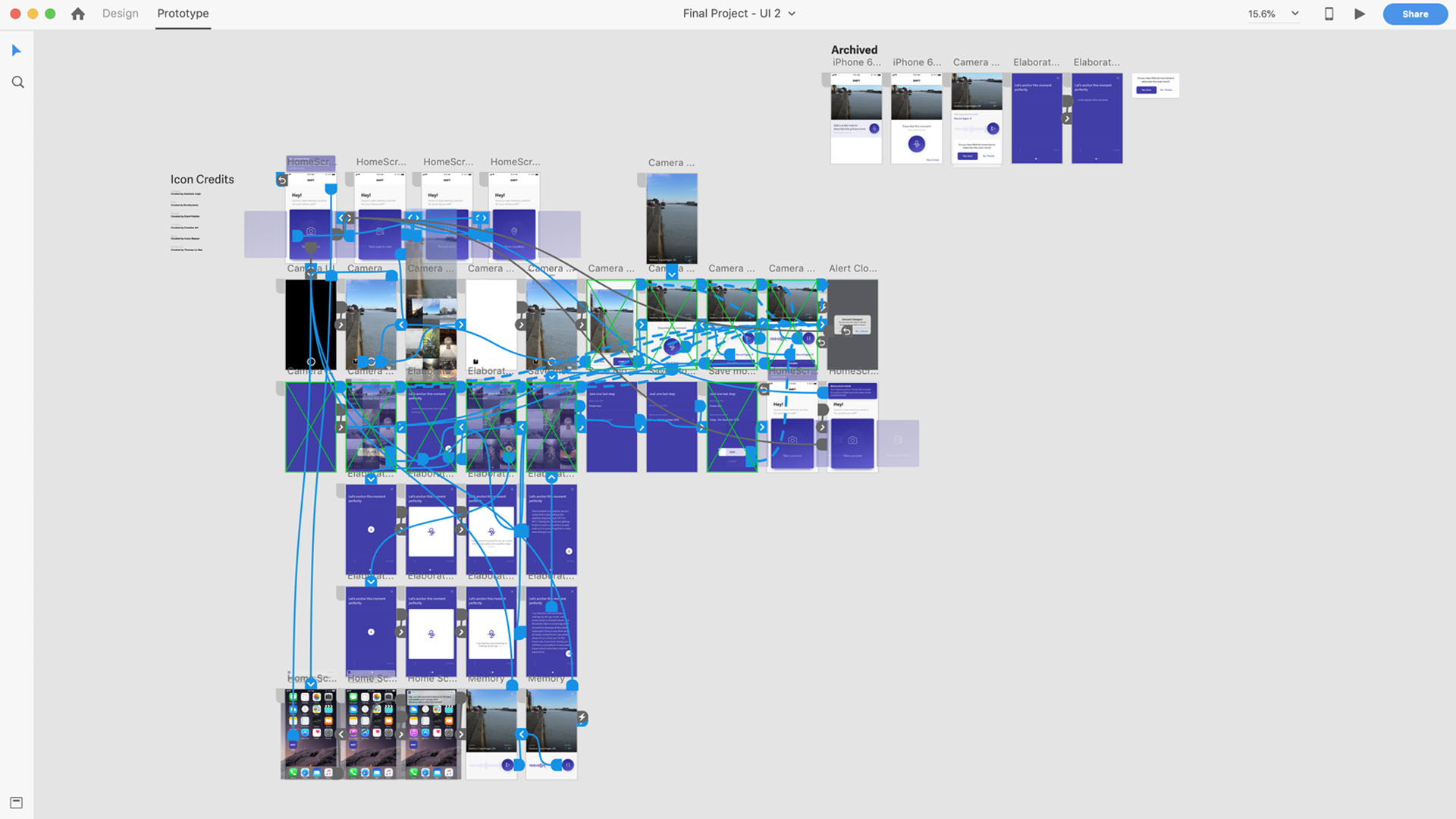
Thus, I started to design the first version of the app in Adobe XD
and user tested it with some of the users.
Typography
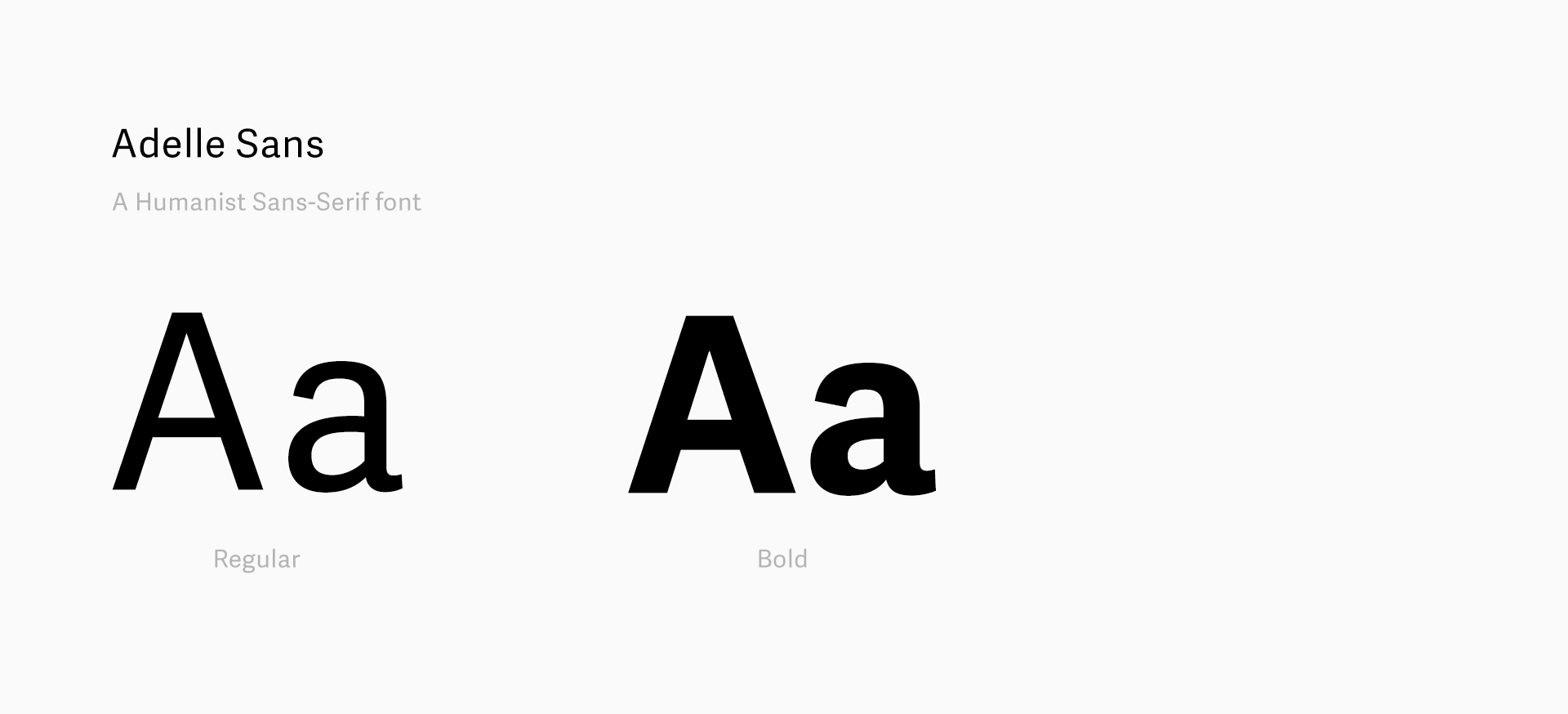
I wanted to use a humanist sans-serif font for this project. So, I
selected Adelle Sans as the font for the app.
App uses only 2 font weights Bold and Regular to create visual
heirarchy.
Colour Palette
#413EA7
#DCDCF8
#F9F9F9
#272526
Conscious Decisions
While designing this project, I had to make several decisions, as the target audience will lose vision over a period of time.
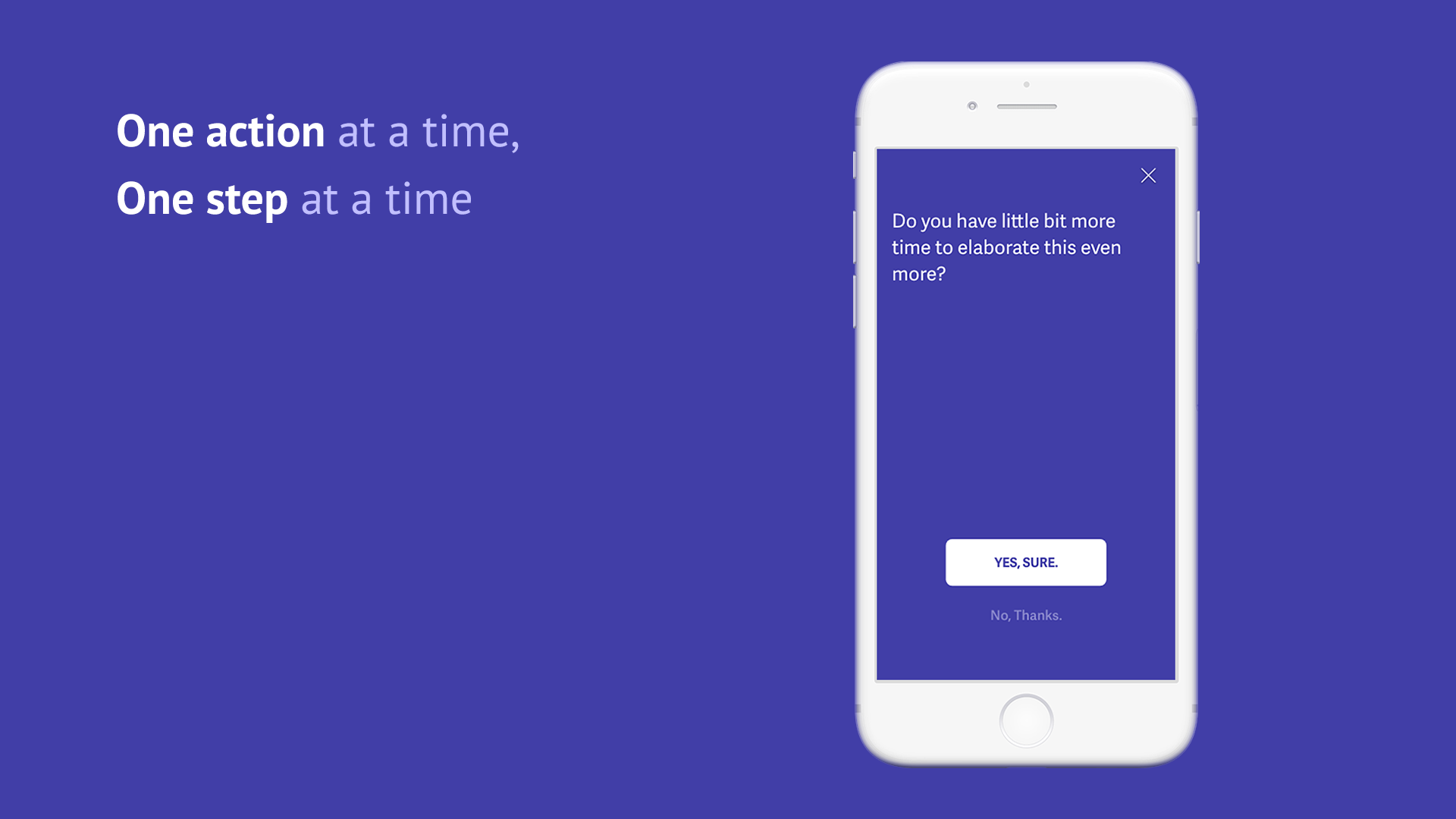
The UI needed to be simple with just one main action at a time. Also, the app needs to make sure that it does not become too intrusive while saving a moment. Ability to quit the flow should be possible whenever the user wants.
Checking app for various accessibility tests to make sure that it works well for everyone. Following the AA and AAA guidelines.
Interactions
The user starts to capture impressions of his daily life on his
phone using the shift app. He anchors the moment into the app by
either taking image, recording audio, writing a note or storing a
location. These moments are triggered back to the user when the
conditions in which the moment was anchored match on that day.
I have explained the flow to anchor the moment by taking image in
the videos below.
The user can start to capture his memory in the form of image, text, audio or a location.
One of my recent memory of the sea getting frozen in the winter. I saw several people walking on the frozen sea with their friends. This flow shows how I capture that moment. Also, it shows how the phone captures my location as well as weather data.
People usually skip minute details when they are describing something such as a moment. So the app suggests provocative questions to assist the user for describing that moment elaborately.
In the future, when similar conditions will meet, in this case, the weather and the location,the user will be notified that he has a memory anchored for this condition. He will be able to play his audio back which will help him get a better picture of what is going on around him better.
Reflections
Being a thesis project at CIID, this project had a limited time span. I wasn't able to user test it as much as I wanted and given more time, I would love to iterate a few more versions of this app and co-create with the users to fine-tune some of the interactions and user journey more.
I feel that this project has many other applications. Two of the
directions I would love to explore are:
1. For Alzheimer patients, a mean to store their
neighbourhood and points of interests in the form of memory
anchors.
2. A diary from a parent to their child with their
memory anchored. So that when they pass away, the child can relive
moments of their parents.
// Social & External Links